
WiFi Not Reaching the Upper Floor? Solutions for Multi-Storey Dubai Villas

A single router on the ground floor often struggles to provide reliable WiFi across a two- or three-storey villa in Dubai. Thick reinforced concrete floors, steel rebar, foil-backed insulation, and large floor plans can all weaken WiFi signals.
The good news is that you do not always need to replace your router. The right solution depends on your villa’s layout, existing wiring, and the location of weak-signal areas.
In this guide, we explain why WiFi struggles to reach upper floors and compare five solutions, from wired access points to mesh systems and WiFi extenders.
Why Dubai Villas Are Challenging for WiFi
WiFi uses radio waves to transmit data between your router and connected devices. As these waves pass through walls, floors, and other materials, some of their energy is absorbed or reflected.
Many Dubai villas combine several materials and layout features that make WiFi coverage more difficult.
1. Reinforced Concrete Floors
Concrete floors containing steel rebar are a major obstacle to WiFi signals between floors. These materials can significantly weaken the signal reaching bedrooms, home offices, and other upstairs rooms.
2. Foil-Backed Insulation and Metal Surfaces
Reflective insulation, metal framing, and some large metal surfaces can reflect or obstruct WiFi signals. This can create weak-signal areas even when your router is relatively close.
3. Thick Walls and Tinted Glass
Dense block walls and some coated or tinted windows can weaken WiFi signals more than lightweight interior walls and ordinary glass.
4. Large, Multi-Storey Layouts
Many villas have wide floor plans, multiple levels, and separate outdoor areas. The distance between the router and the farthest room can be too great for one WiFi device to provide reliable coverage.
5. Interference from Nearby Networks
Neighbouring homes may have WiFi networks operating on overlapping channels. This interference can reduce performance, especially in densely populated villa communities.
For example, a router in your ground-floor living room might provide a strong connection downstairs while the upstairs master bedroom, home office, or roof terrace receives a weak signal.
Step 1: Find Out Where the WiFi Problem Starts
Before spending money on new equipment, take about ten minutes to check your WiFi coverage. This will help you determine whether you need a mesh system, an additional access point, or a different solution.
Test Your Internet Speed Near the Router
Stand close to your router and run a speed test on your phone. Record the download speed, upload speed, and, if available, latency.
Then walk to each floor and repeat the test in the rooms you use most often.
Check areas such as:
- Upstairs bedrooms
- The master bedroom
- Your home office
- The landing and stairwell
- The roof terrace or garden-facing rooms
Record the results and note where the connection becomes slow or unstable.
Compare the Results
If your internet speed is already poor beside the router, the problem may involve your internet connection, router, or network configuration rather than WiFi coverage alone.
Contact your internet service provider, such as e& or du, to investigate before purchasing additional equipment.
If the speed is good downstairs but poor upstairs, you probably have a coverage problem.
Draw a simple sketch of each floor and mark the rooms where the signal is weak. This map will help you identify where additional mesh nodes or access points may be needed.
For a more detailed assessment, consider a professional WiFi technician in Dubai who can help identify coverage problems and recommend suitable equipment.
The 5 Best Solutions for WiFi That Cannot Reach the Upper Floor
The following options are ranked by their suitability for different villa layouts. The best choice depends on your existing wiring, budget, and coverage requirements.
1. Mesh WiFi System: Best for Most Villas
A mesh WiFi system uses multiple nodes that work together to provide coverage across your home. Your devices can move between nodes without requiring you to switch networks manually.
Popular options include TP-Link Deco, ASUS ZenWiFi, NETGEAR Orbi, Google Nest WiFi, and eero.
For a multi-storey villa, start by placing the main unit near your internet connection and an additional node on the upper floor. A third node may be useful for larger homes or areas with persistent dead zones.
Where possible, position the nodes near the stairwell or landing, where the signal may have a clearer path between floors.
If the nodes communicate wirelessly, consider a tri-band mesh system. Its additional wireless band can help maintain communication between nodes, although actual performance depends on the model and network conditions.
WiFi 6 or WiFi 6E can also be worth considering if your household uses multiple connected devices, streaming services, smart-home equipment, and tablets.
Best for: Families who want better coverage without installing Ethernet cables throughout the villa.
2. Wired Access Points: Best for Performance and Reliability
If you can install Ethernet cables between floors, wired access points are often the strongest long-term solution.
Many villas already have suitable conduits. In other properties, cables can be installed during renovation or by a qualified network technician.
Connect ceiling-mounted access points, such as compatible Ubiquiti UniFi or TP-Link Omada models, to your network. A Power over Ethernet (PoE) switch can supply both data and power through a single Ethernet cable when the equipment supports it.
For a multi-storey villa, consider installing at least one access point per floor. Larger floors, outdoor spaces, majlis areas, and gardens may need additional access points.
Unlike wireless mesh nodes, wired access points do not need to rely on a wireless connection to the main router for their network backhaul.
This setup can provide more consistent performance for video calls, remote work, online gaming, and security cameras.
Best for: Large villas, home offices, smart-home systems, and households that need reliable performance throughout the property.
3. Powerline Adapters: An Alternative When Ethernet Is Difficult
Powerline adapters transmit network data through your home’s electrical wiring. One adapter connects to your router, while another connects to a power socket upstairs.
Some models include built-in WiFi, allowing them to provide wireless coverage on the upper floor.
However, performance depends on the electrical wiring, circuit layout, electrical interference, and the adapters themselves. Actual speeds can be considerably lower than the advertised figures.
If you choose this option, plug the adapters directly into wall sockets rather than extension strips or surge protectors, which can interfere with performance.
Best for: Homes where running Ethernet cables is difficult and a mesh system is not suitable.
4. MoCA Adapters: Useful If Your Villa Has Coaxial Cabling
If your villa has existing TV coaxial outlets on multiple floors, MoCA adapters may provide another way to create a wired network connection.
These adapters transmit network data over compatible coaxial cables, allowing you to connect devices or suitable access points upstairs without installing new Ethernet cables.
MoCA can deliver more consistent performance than many powerline setups, but compatibility depends on the existing cabling, splitters, and any connected services.
Best for: Villas with suitable coaxial cabling already installed.
5. WiFi Extenders: A Budget Option for One Dead Zone
A WiFi extender receives an existing wireless signal and retransmits it to a nearby area.
This can help in a single room where the original signal is still reasonably strong. However, many basic extenders reduce available throughput because they use wireless airtime to receive and retransmit data.
An extender placed inside an area with almost no signal will not magically create a strong connection. It needs to be positioned where it can still receive a usable signal from the router.
Best for: Small coverage gaps where a simple, low-cost solution is sufficient.
For an entire multi-storey villa, a well-designed mesh system or wired access points are usually better options.
Free WiFi Fixes to Try Before Buying New Equipment
You may be able to improve upstairs coverage without purchasing anything. Try these adjustments first.
Move the Router to a Better Location
Place your router in a central, elevated, and open location whenever possible. Avoid hiding it inside a cabinet, placing it behind a television, or leaving it in a far corner of the ground floor.
A better location can improve coverage, although it cannot eliminate the signal loss caused by thick concrete floors.
Adjust the Router Antennas
If your router has adjustable external antennas, start by positioning them vertically. You can experiment with different orientations, as the best arrangement depends on the antenna design and the layout of your home.
Try the 2.4 GHz Band Upstairs
The 2.4 GHz band generally travels farther and penetrates many obstacles better than the 5 GHz band. However, it typically offers lower speeds and may experience more interference.
The 5 GHz band can deliver higher speeds when the signal is strong enough. Test both bands, if available, to see which works better in the affected rooms.
Choose a Less Congested WiFi Channel
Nearby networks can interfere with your connection when they use overlapping channels.
Use your router’s channel-selection feature or a WiFi analyser to identify less congested channels. On 2.4 GHz, channels 1, 6, and 11 are commonly used non-overlapping options in regions where these channels are permitted.
If your router supports automatic channel selection, you can also test whether its automatic settings improve performance.
Update Your Router Firmware
Check whether your router has a firmware update available. Updates can address security issues, bugs, and performance problems.
If your ISP-supplied router is outdated, ask e& or du whether a newer router or compatible mesh service is available for your connection.
Check Your Router’s Placement and Capabilities
A newer router may improve performance, but replacing it alone will not necessarily solve a signal problem caused by reinforced concrete floors.
If your router is old or cannot handle your household’s demands, an upgrade may help. However, a mesh system or additional wired access point may be necessary to cover the upper floor.
Which WiFi Solution Should You Choose?
Use this comparison as a starting point when deciding what to install in your villa.
| Your situation | Recommended solution |
|---|---|
| Ethernet cables can be installed | Wired access points with PoE |
| Medium-sized villa without new cabling | Tri-band mesh WiFi system |
| Existing coaxial outlets on multiple floors | MoCA adapters |
| One small dead zone | WiFi extender |
| Weak coverage and no practical cable route | Mesh WiFi or a powerline kit, depending on the property |
For a typical two-storey villa with three or four bedrooms, a two- or three-node WiFi 6 mesh system can be a reasonable starting point. However, the number of nodes required depends on floor area, wall materials, and placement.
For a large villa, a property with several floors, or a home that relies on stable connections for remote work and security cameras, wired access points are worth considering.
How to Set Up a Mesh WiFi System Correctly
Even a high-quality mesh system can perform poorly if its nodes are placed incorrectly. Follow these practical tips to get better coverage.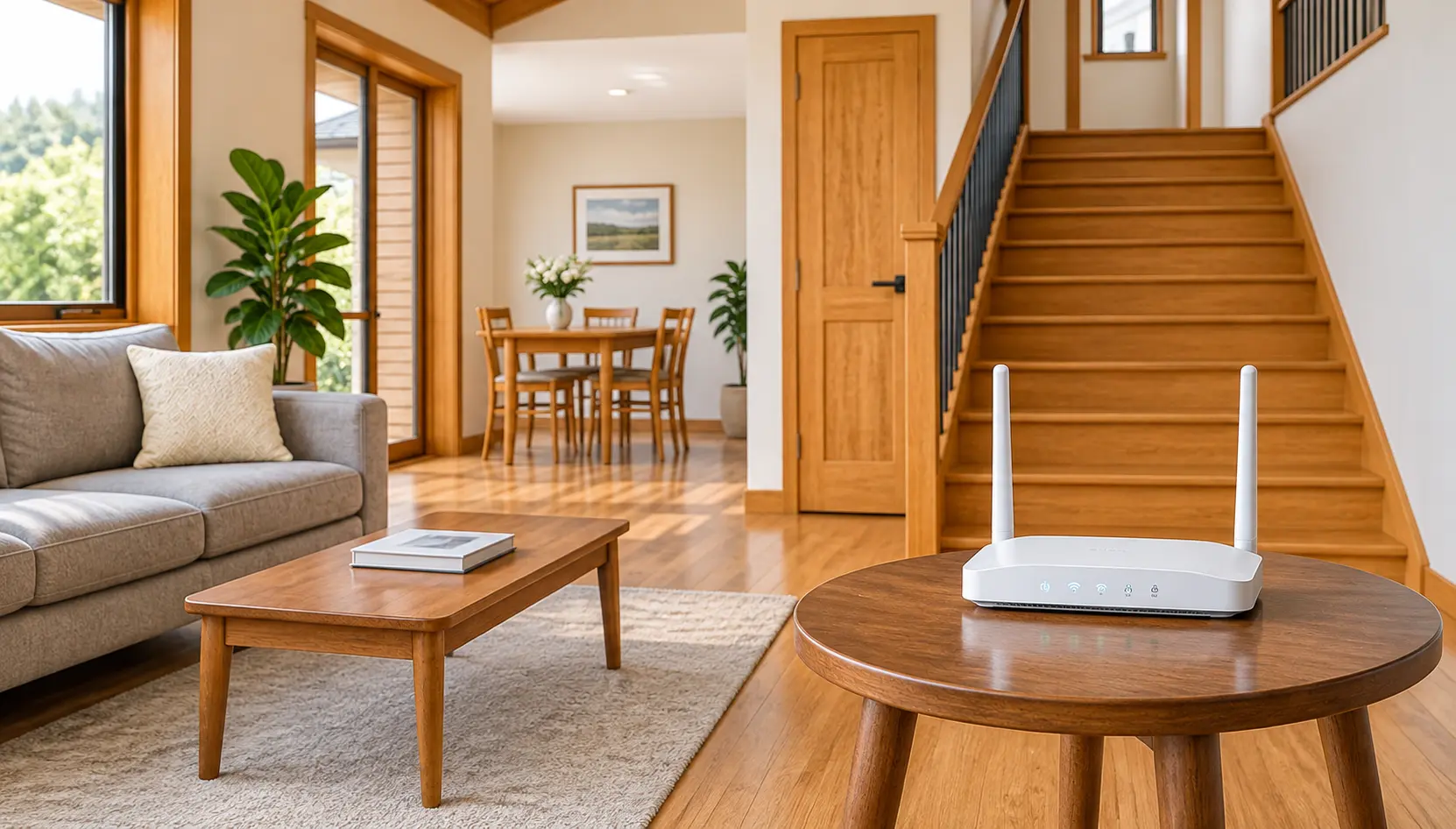
1. Start Near the Main Internet Connection
Connect the main mesh unit to your modem or ISP router according to the manufacturer’s instructions.
Place it in an open, elevated location. Keep it away from enclosed cabinets, large metal objects, and other potential sources of interference.
2. Place the Satellite Nodes Carefully
Position each satellite where it can still receive a strong connection from the main unit or another supported mesh node.
A location roughly halfway between the main unit and the weak-signal area can be a useful starting point, but the actual placement depends on the building layout.
Do not place a satellite directly inside a dead zone if it cannot receive a reliable signal there.
3. Use the Stairwell When It Helps
Stairwells and landings can sometimes provide a clearer signal path between floors than locations separated by solid concrete slabs.
Try positioning a mesh node near the landing and test the connection in the upstairs rooms. Keep the node in an open location rather than hiding it behind furniture.
4. Use Ethernet Backhaul When Possible
Some mesh systems allow you to connect nodes using Ethernet cables. This is called wired backhaul.
A wired connection removes the need for the nodes to communicate with each other over WiFi, potentially improving stability and freeing wireless capacity for your devices.
Check that your mesh system supports Ethernet backhaul before purchasing it.
5. Avoid Unnecessary Router Conflicts
If your ISP router and mesh system both provide WiFi, review the recommended setup for your equipment.
Depending on the devices, you may be able to use bridge mode, access point mode, or disable the ISP router’s WiFi. Avoid creating two separate router networks unless your configuration requires them.
If your mesh system supports a single network name across all nodes, use consistent network settings so compatible devices can move between access points more smoothly.
Common Mistakes to Avoid
Hiding the router in a cabinet: Enclosed spaces and surrounding obstacles can weaken the signal. Keep the router in an open area.
Buying a router based only on its advertised speed: A model labelled AX6000 does not guarantee strong upstairs coverage. The real result depends on the devices, interference, placement, and building materials.
Placing an extender too far from the router: An extender needs a usable signal to repeat. Installing it in a dead zone usually produces poor results.
Adding extenders without checking compatibility: Combining extenders with mesh equipment can create unnecessary complexity. Follow the manufacturer’s compatibility and setup guidance.
Expecting WiFi 6 to solve concrete-floor problems: WiFi 6 improves network efficiency and performance in supported conditions, but it does not eliminate signal loss through reinforced concrete.
Installing too many mesh nodes: More nodes do not always mean better WiFi. Poor placement and overlapping coverage can create additional interference. Start with a suitable layout and add equipment only where testing shows it is needed.
Frequently Asked Questions
How many mesh nodes does a villa need?
One node per floor can be a reasonable starting point, but some villas need more or fewer nodes. A wide floor plan, thick walls, and detached areas can increase the number required. Use your coverage map and test the signal after installation.
Is mesh WiFi better than a WiFi extender?
For whole-villa coverage, a properly positioned mesh system is generally the better choice. Mesh nodes work together as one network, while a basic extender retransmits an existing signal and may reduce available throughput.
An extender can still be useful for a small area where the original signal is strong enough.
Can I mix different mesh WiFi brands?
Mesh nodes generally need to belong to a compatible system. Some products support specific interoperability standards, but you should not assume that different brands will work together as one mesh network.
Wired access points from different manufacturers can sometimes operate on the same network, although central management and roaming features may vary.
How can I get WiFi in my garden, pool area, or majlis?
Outdoor spaces may require a dedicated outdoor access point or an outdoor-rated mesh device. A wired Ethernet connection is often a reliable way to provide backhaul to these locations.
Choose equipment designed for the installation environment, and ensure that electrical and network installations meet applicable safety requirements.
Should I install Ethernet cables during a villa renovation?
Yes. Renovation is an excellent opportunity to install Ethernet cables between floors and in locations where you may need access points, televisions, or other network devices.
Planning these connections early can reduce installation costs and give you more options for improving coverage later.
Why is my WiFi fast downstairs but slow upstairs?
Reinforced concrete floors, metal materials, distance, and interference can weaken WiFi signals between floors. If your connection is fast near the router but slow upstairs, additional coverage through a mesh system or wired access point may help.
Can a WiFi technician fix weak upstairs coverage?
A technician can assess signal strength, identify dead zones, check router placement, and recommend suitable equipment. Depending on the property, the solution may involve repositioning the router, installing mesh nodes, or adding wired access points.
If you need help diagnosing your connection, visit WiFi Technician Dubai to explore professional WiFi installation, troubleshooting, and support.
Conclusion
Weak upstairs WiFi in a Dubai villa is often caused by reinforced concrete floors, metal materials, distance, and interference. A single ground-floor router may not be enough to provide reliable coverage throughout a multi-storey property.
Start by testing your connection on every floor and trying simple fixes, such as repositioning your router and checking your WiFi channels.
If the problem continues, choose a solution that matches your property. Wired access points are an excellent option when Ethernet cabling is possible, while a well-positioned mesh system can provide convenient coverage without running new cables.
With the right equipment and placement, you can improve WiFi coverage in your upstairs bedrooms, home office, and other frequently used areas of your villa.
For persistent dead zones, consider a professional WiFi coverage assessment in Dubai to identify the best locations for additional access points and mesh nodes.